
 Community
 Video Library
 Agent Training
 Freshservice
 Freshdesk
 Freshchat
 Freshcaller
 Freshsales
 Freshteam
 Freshworks Neo
 Freshsurvey
Time entry allows agents to record the exact duration of work performed on a task. It also includes an option to designate specific logs as billable for invoicing purposes.
How to add a time entry
Follow these steps to log your work hours:
- Open the ticket for which you want to log time and click Add time entry.
- In the Add time entry window, click the Task dropdown to select the specific task associated with this time log.
- Enter the time in HH:MM format (e.g., 1:30 for one hour and thirty minutes) or as a decimal (e.g., 1.5).
- Select Mark as billable checkbox if the time spent should be billed to the client.
- Select the start date and time you began working on the task.
- Select the end date and time you finished working on the task.
- Select the type of work from the Work type dropdown.
- Optional, add a note if applicable.
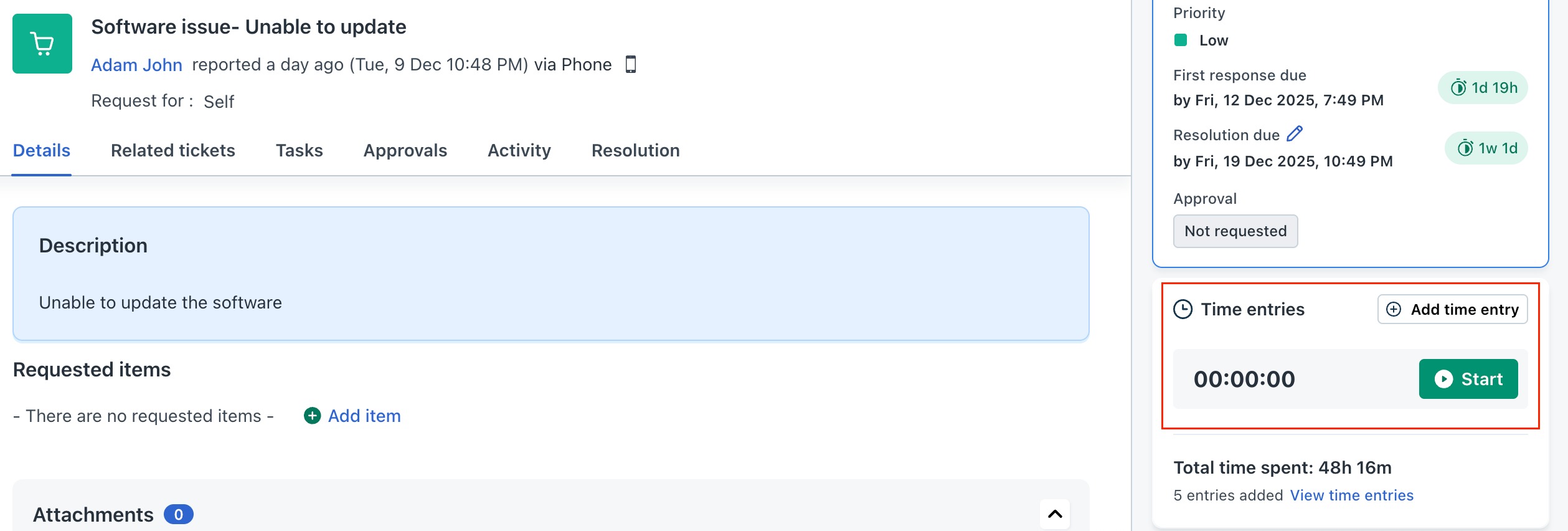
Once, you have added the time entries for your ticket, you can send the entries for approval to your Reporting manager.
Go to Timesheet > select the required entry and click Submit for approval. Managers can review, approve, or reject submitted timesheets.